Karachi, at golden hour
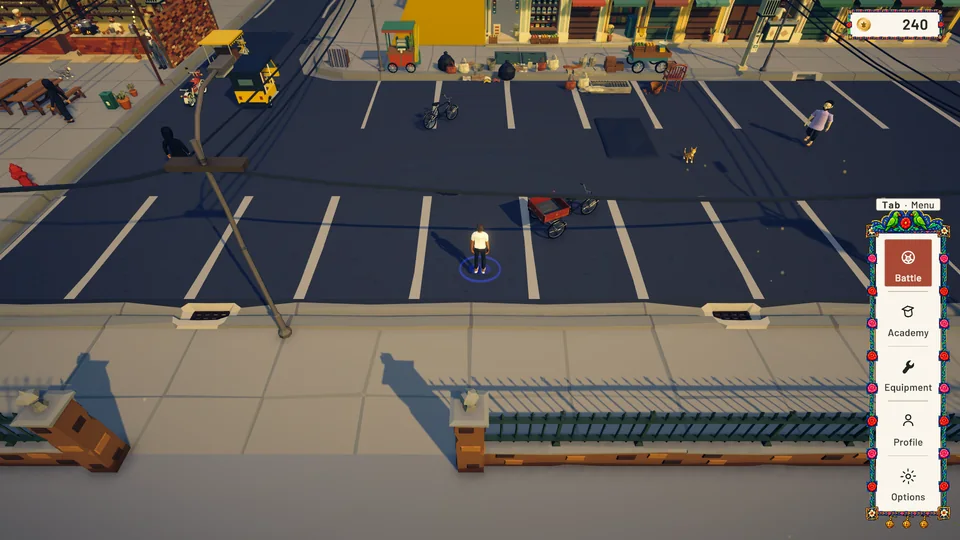
Your hub is a walkable slice of the city: Saddar's yellow arcades, Frere Hall behind its railings, stained old flats, rickshaws, carts, paan and a sky full of wires.
A blitz chess roguelite set in Karachi. Walk Saddar, run a chai dhaba, ride a bicycle through the city, then hold the board against waves in real time.
I'm making Rook's Quest in Unity at Kreed Digital Studio, modelling its assets in Blender and bringing them in through my own Blender-to-Unity pipeline. It's coming to PC on Steam, with full controller support.
Your hub is a walkable slice of the city: Saddar's yellow arcades, Frere Hall behind its railings, stained old flats, rickshaws, carts, paan and a sky full of wires.
Open the dhaba for a two-minute shift: pour, carry, serve and wipe tables for Club Points while the street shouts its orders.
Ride a bicycle or the trash collector's cargo tricycle through the city.
Chess at blitz speed: no turns, every piece on its own clock, and waves coming down the board for nine minutes. Pick a starting buff, deploy pawns bought with gold and upgrade every five waves.
Select any image to view it larger. Use the arrow keys to move between them.
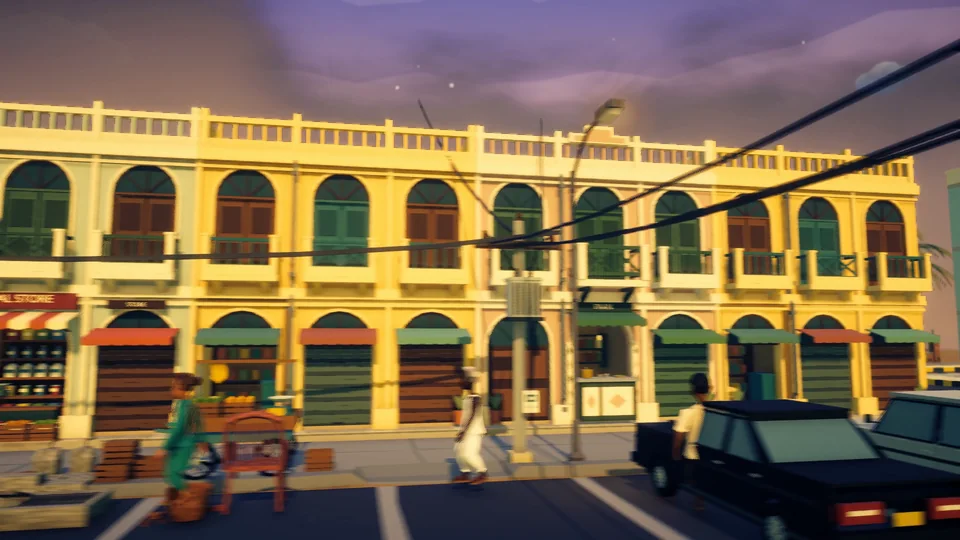 Saddar: colonial arcades, a paan shop and tangled wires
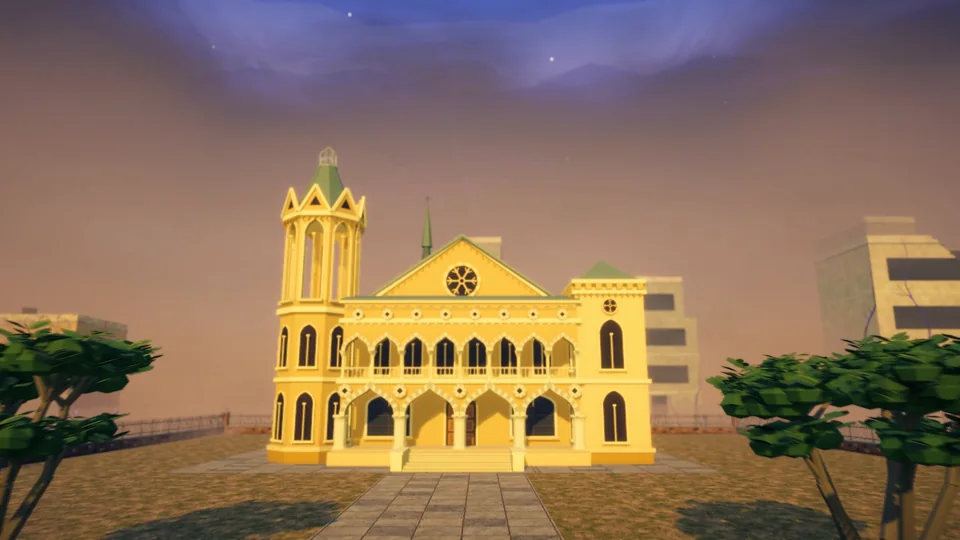 Frere Hall and its lawn, behind the iron railings
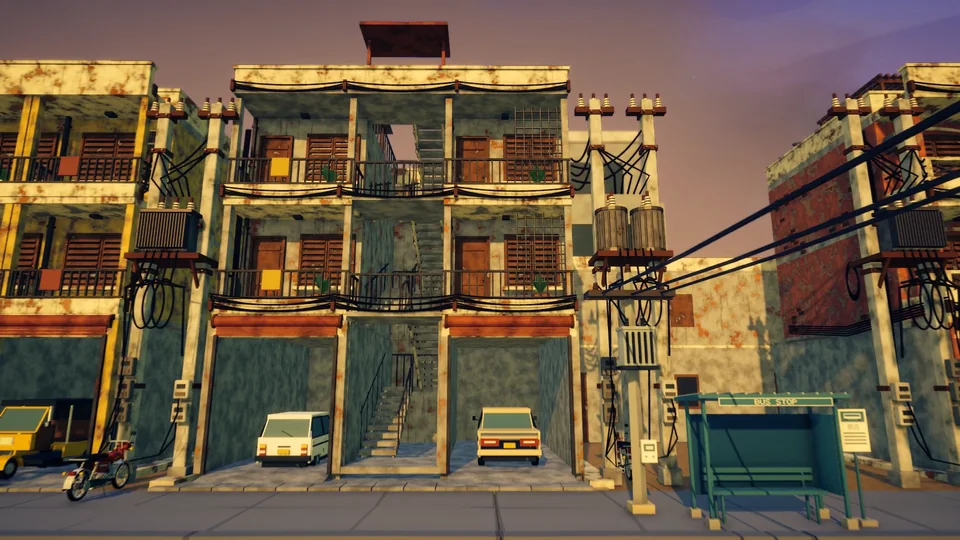 The old flats: stained concrete and a transformer on every pole
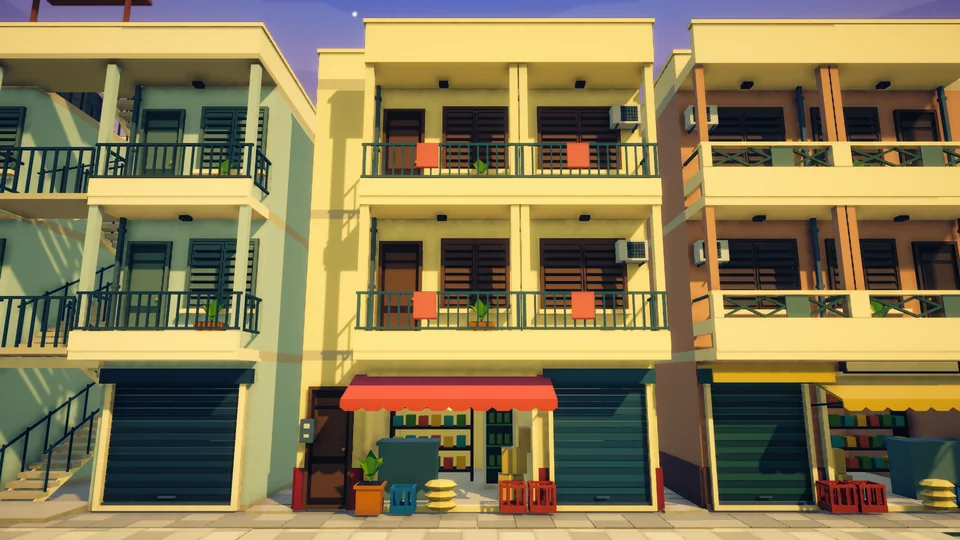 Shop rows: shutters down, laundry up, balconies full
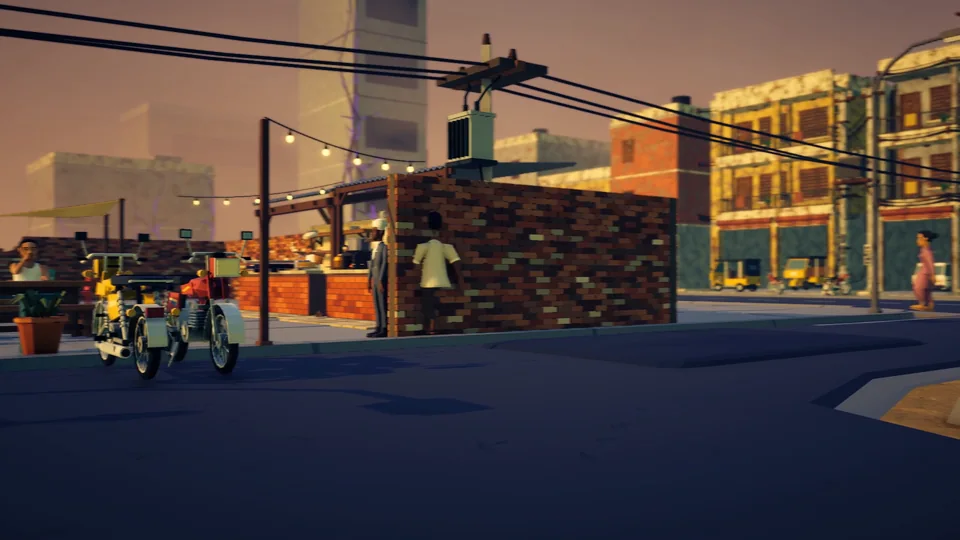 Rickshaw parking, with the dhaba just across the road
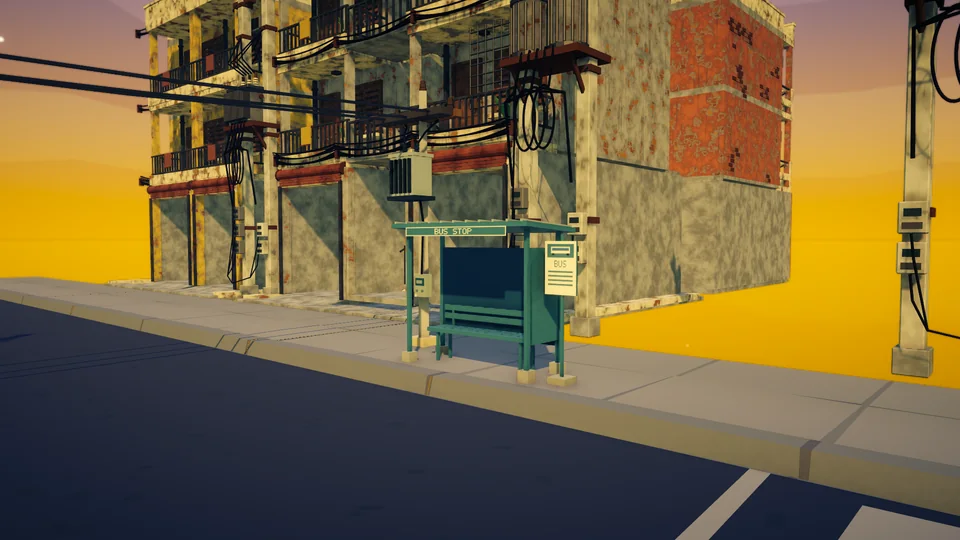 The bus stop at the corner of the parking flats
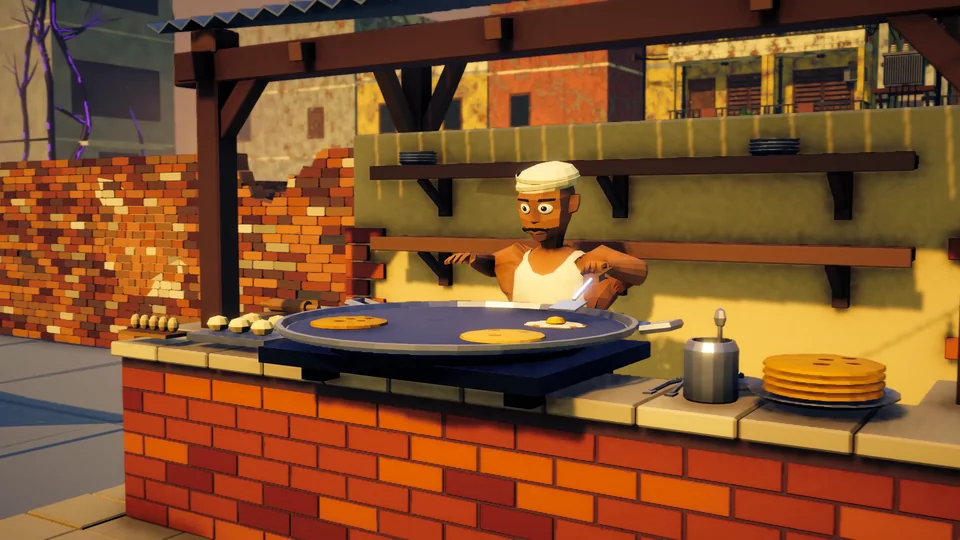 The paratha cook: anda and paratha on the tawa
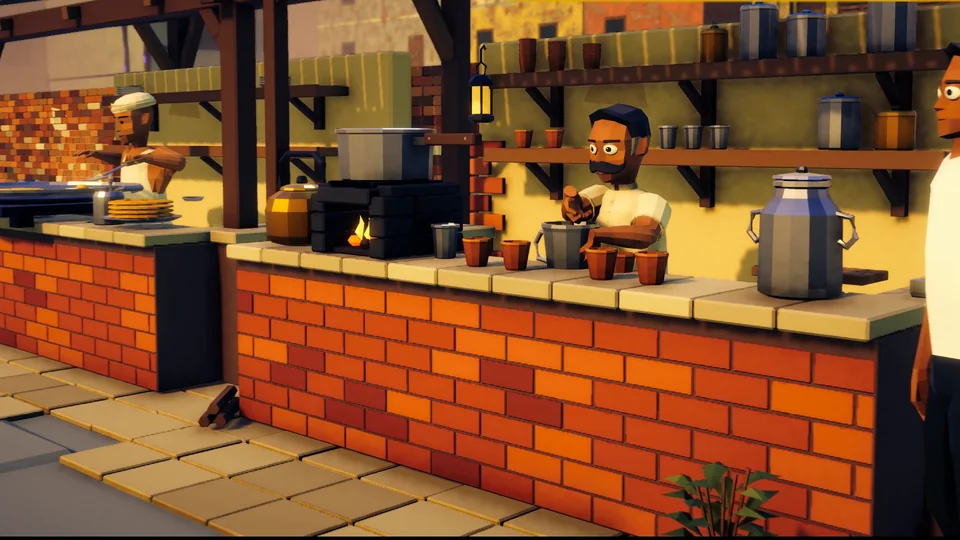 The chai wala, with the owner, Sultan Khan, watching from the post
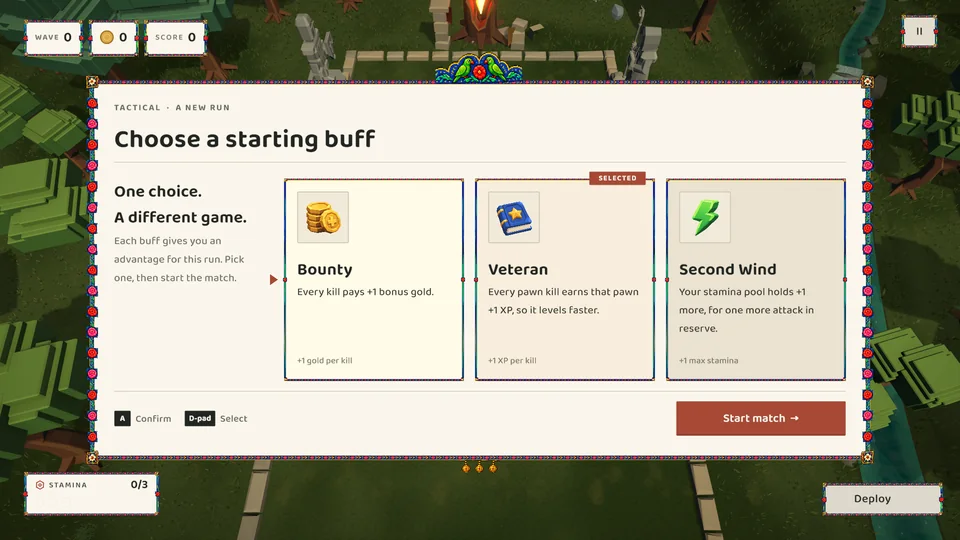 Tactical: one starting buff per run
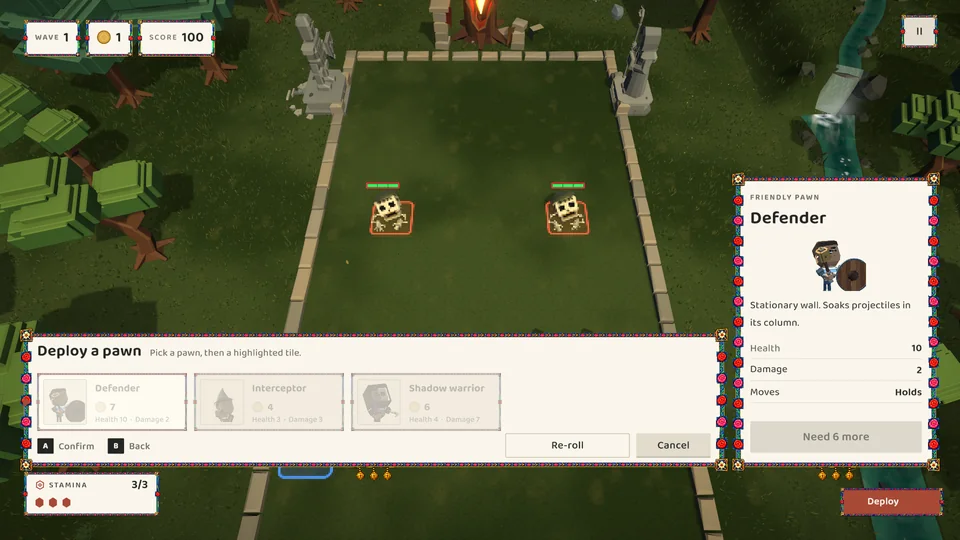 Tactical: a hand of pawns to deploy
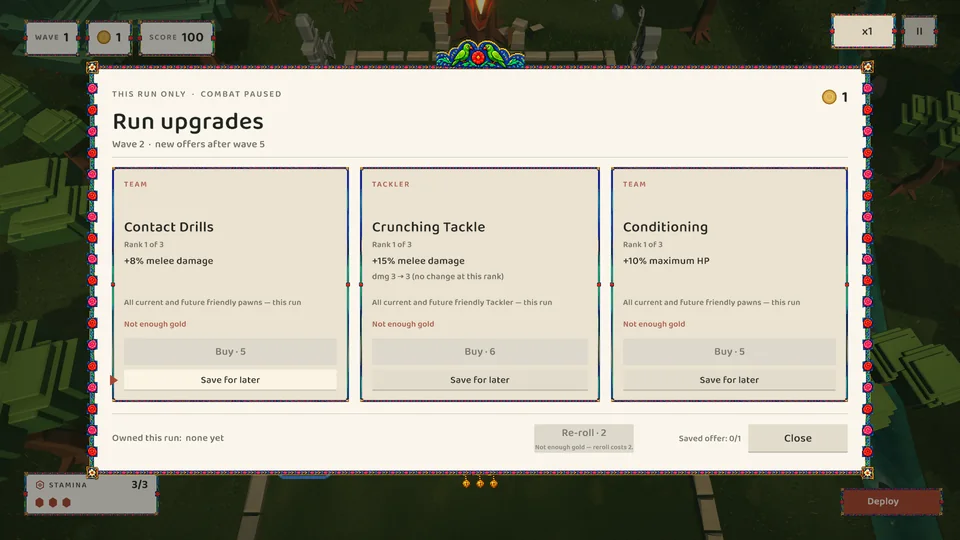 Tactical: run upgrades to buy, save or re-roll
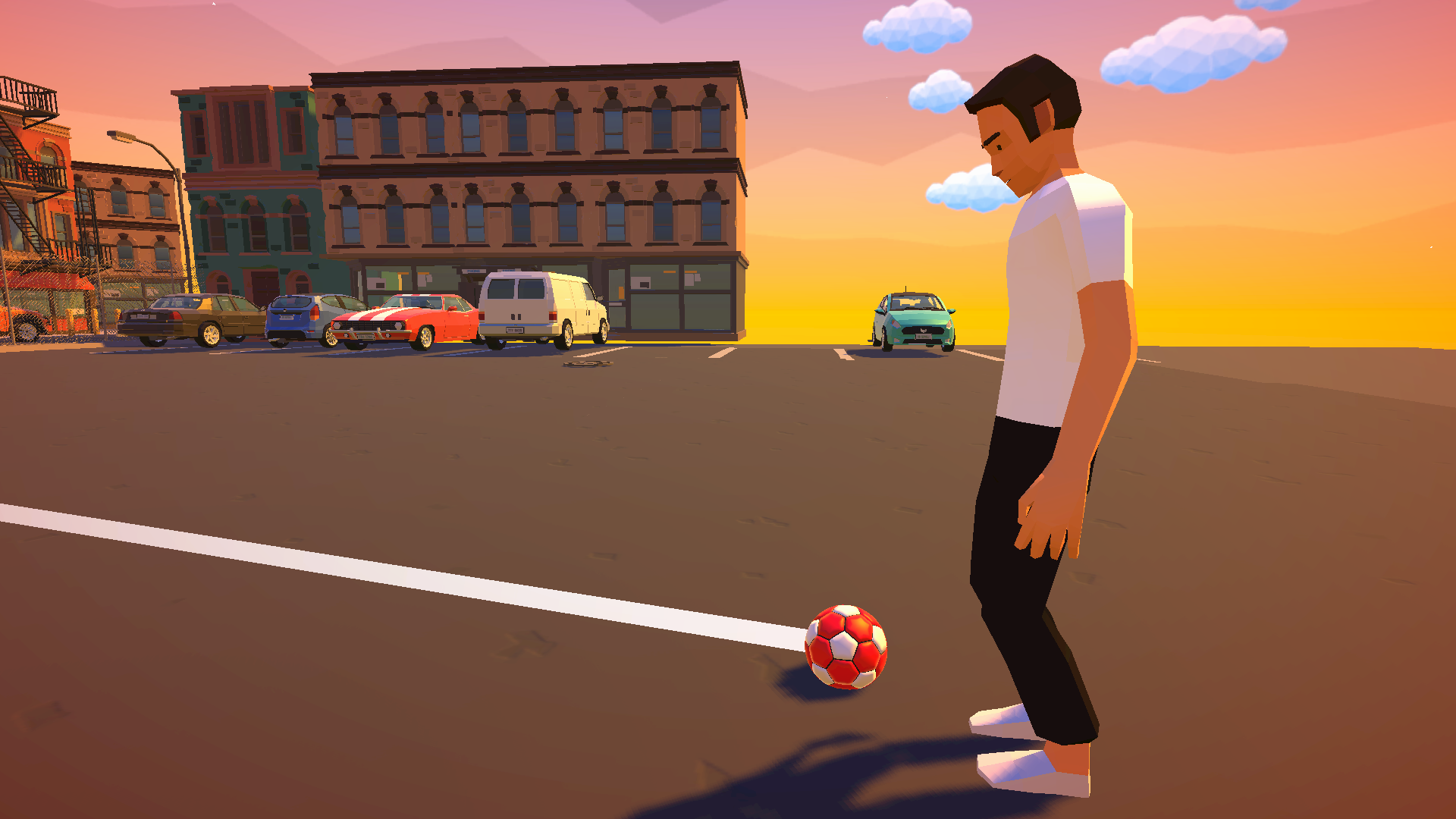
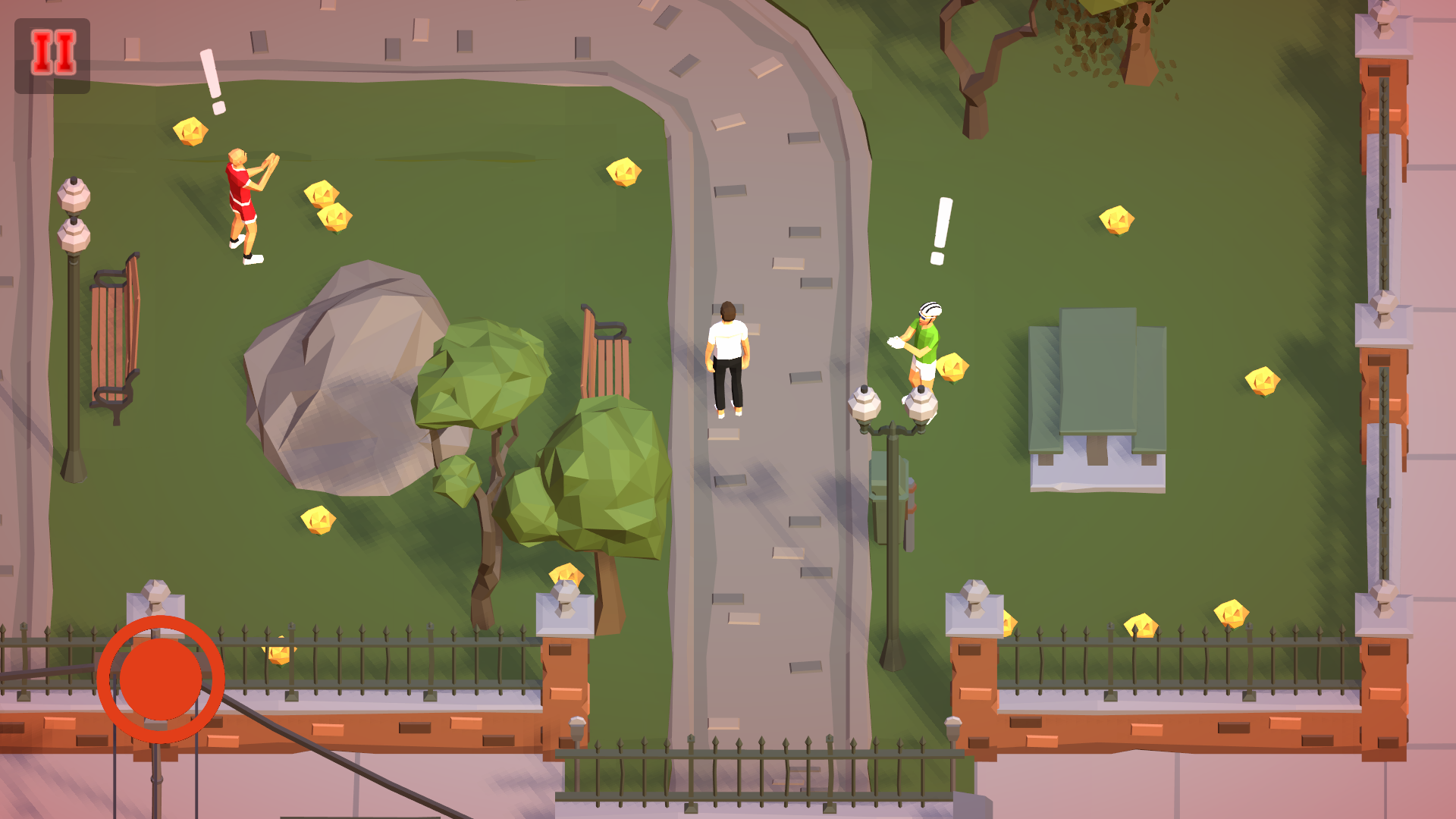
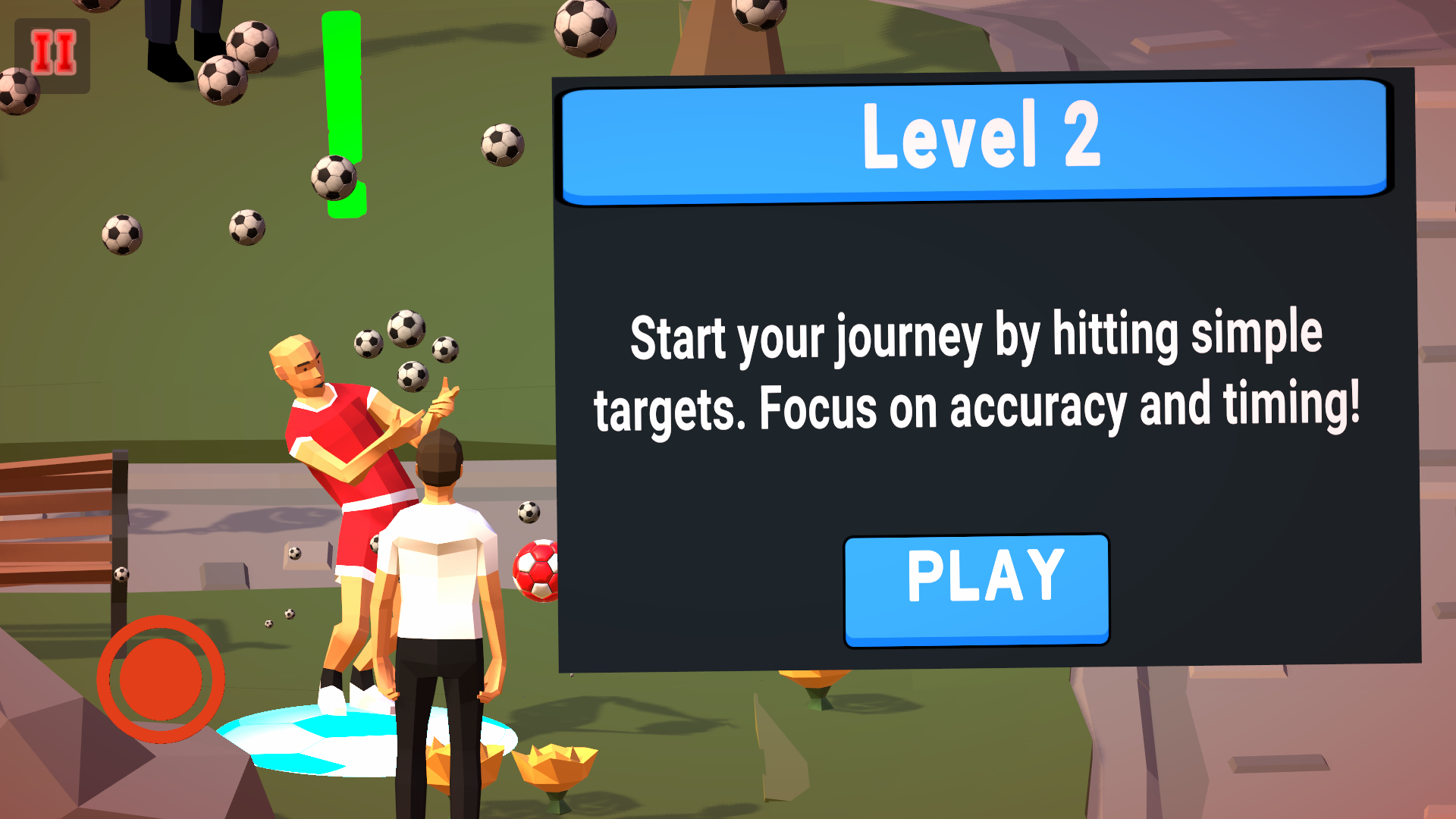
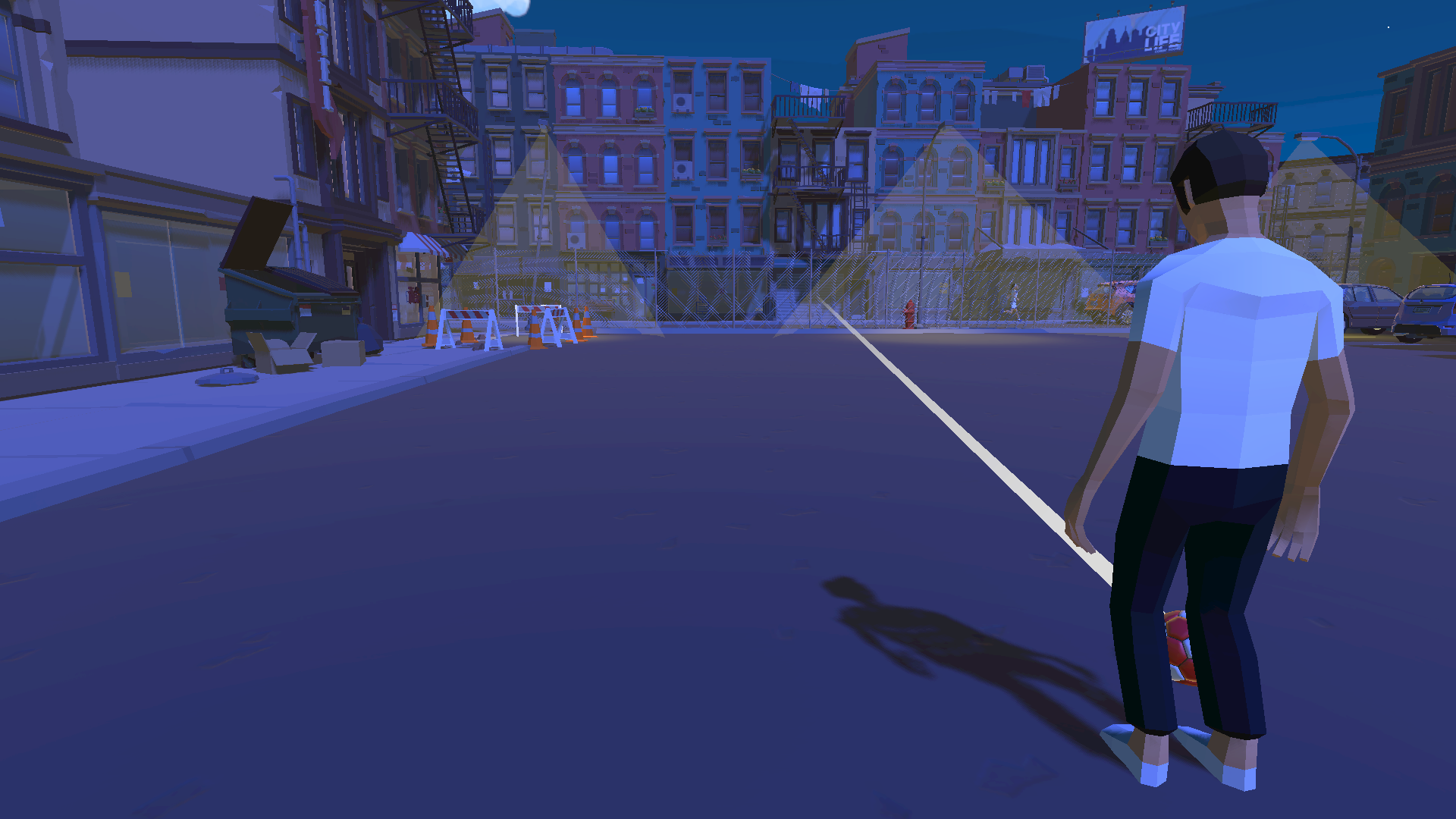
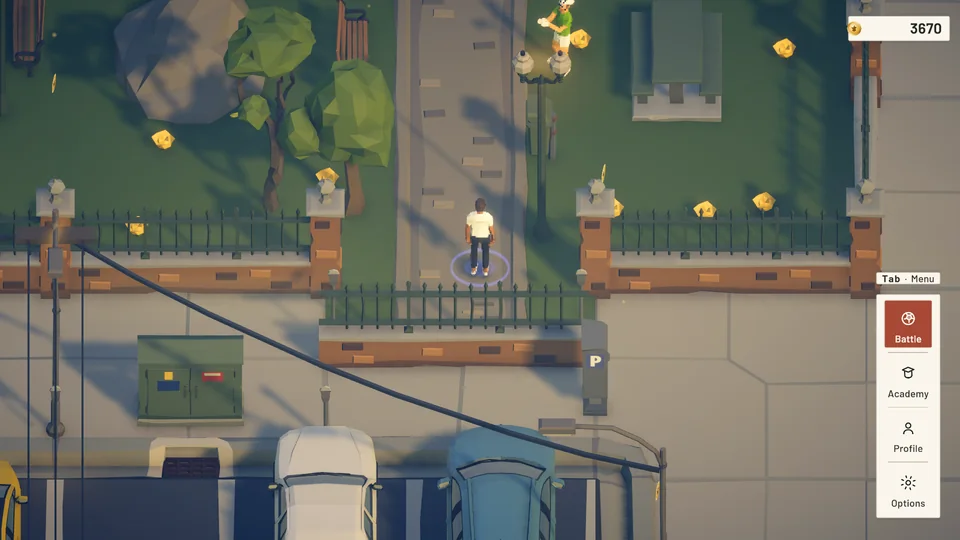
Rook's Quest began as Project KickFlipper, a low-poly trickshot prototype set in a suburban park and a neon town. Drag the handle to compare the same spawn point then and now.
 BeforeAfter
Two changes from the game's development that cut per-frame cost. Switch between the tabs to compare the code.
This type of rotation animation is used across multiple objects in the game, from player turns to environmental elements and UI transitions. Because it runs frequently and across many instances, optimizing it early was critical for reducing CPU overhead, ensuring consistent frame times, and keeping GC allocations low, especially on mobile.
Ease.OutSine makes transitions feel natural without manual math.Quaternion recalculation or struct allocations—DOTween uses pooling and caching behind the scenes.Quaternion startRotation = player.transform.rotation;
Quaternion endRotation = Quaternion.Euler(0, targetYAngle, 0);
float elapsed = 0f;
while (elapsed < duration)
{
elapsed += Time.deltaTime;
player.transform.rotation = Quaternion.Slerp(startRotation, endRotation, elapsed / duration);
yield return null;
}// we use DOTween for interpolation and easing
player.transform.DORotate(new Vector3(0, targetYAngle, 0), duration).SetEase(Ease.OutSine);
yield return player.transform
.DORotate(new Vector3(0, targetYAngle, 0), 0)
.WaitForCompletion();This trajectory preview runs every frame while the shot is charging and for multiple objects. Because it's high-frequency and touches lots of math per frame, pushing it off the main thread with Burst was a priority to reduce CPU spikes and keep frame times stable on mobile.
NativeArray<float3>), then copied to a persistent trajBuffer. No ToArray() or transient allocations.dt for smoother curves? The heavy work stays off the main thread, so FPS remains stable.dt + pure math in the job yields consistent results across devices (within float tolerance).Result: Main Player loop Now have 0 GC collection as compared to having 40Bytes per every time we draw trajectory, eliminating charge-time hitches. Which will help when multiple players would be using this Trajectory.
Implementation : I am Marking the job with [BurstCompile], using Unity.Mathematics for math, storing points in a persistent NativeArray<float3> (Allocator.Persistent),
Schedule() the job, Complete() before reading, reuse buffers each frame, and Dispose() in OnDestroy().
private void DrawTrajectory(float force)
{
    frameCounter++;
    Vector3 start = ball.position;
    Vector3 targetPos = Target.position;
    Vector3 toTarget = (targetPos - start);
    float toTargetLen = toTarget.magnitude;
    Vector3 toTargetN = (toTargetLen > 1e-5f) ? (toTarget / toTargetLen) : Vector3.forward;
    float curveVal = (curveSlider != null) ? curveSlider.value : 0f;

    bool inputsChanged =
        cachedCharging != isCharging ||
        Mathf.Abs(cachedForce - force) > 0.001f ||
        Mathf.Abs(cachedCurveVal - curveVal) > 0.001f ||
        (cachedStart - start).sqrMagnitude > 1e-4f ||
        (cachedTargetPos - targetPos).sqrMagnitude > 1e-4f;

    if (!inputsChanged && isCharging && (frameCounter % recomputeEveryNFrames != 0))
    {
        trajectoryLine.startColor = startColorCached;
        trajectoryLine.endColor = endColorCached;
        return;
    }

    cachedCharging = isCharging;
    cachedForce = force;
    cachedCurveVal = curveVal;
    cachedStart = start;
    cachedTargetPos = targetPos;
    cachedToTarget = toTargetN;

    if (!isCharging)
    {
        trajCount = 2;
        trajPoints[0] = start;
        trajPoints[1] = targetPos;

        trajectoryLine.positionCount = trajCount;
        trajectoryLine.SetPosition(0, trajPoints[0]);
        trajectoryLine.SetPosition(1, trajPoints[1]);

        trajectoryLine.startColor = startColorCached;
        trajectoryLine.endColor = endColorCached;
        return;
    }

    Vector3 sideDir = Vector3.Cross(Vector3.up, toTargetN).normalized;
    Vector3 lateralAccel = sideDir * (curveVal * curveFactor);

    trajCount = 0;
    Vector3 pos = start;
    Vector3 vel = toTargetN * force;
    float traveled = 0f;

    trajPoints[trajCount++] = pos;

    float dt = trajectoryTimeStep;
    Vector3 acc = Physics.gravity + lateralAccel;
    float maxDist = maxRenderDistance;
    int maxPts = Mathf.Min(maxTrajectoryPoints, trajPoints.Length - 1);

    for (int i = 0; i < maxPts; i++)
    {
        Vector3 nextVel = vel + acc * dt;
        Vector3 nextPos = pos + nextVel * dt;

        Vector3 seg = nextPos - pos;
        float segLen = seg.magnitude;

        if (traveled + segLen > maxDist)
        {
            float remain = maxDist - traveled;
            Vector3 dir = segLen > 1e-6f ? (seg / segLen) : Vector3.forward;
            nextPos = pos + dir * remain;
            trajPoints[trajCount++] = nextPos;
            break;
        }

        int hits = 0;
        float castDist = Mathf.Max(0f, vel.magnitude * dt);
        if (castDist > 1e-6f)
            hits = Physics.RaycastNonAlloc(pos,
			vel.normalized, ray1, castDist, ~0, QueryTriggerInteraction.Ignore);

        if (hits > 0)
        {
            var hit = ray1[0];
            trajPoints[trajCount++] = hit.point;

            vel = Vector3.Reflect(vel, hit.normal) * bounceFactor;
            pos = hit.point + vel.normalized * 0.01f;

            Vector3 prev = trajPoints[trajCount - 2];
            traveled += Vector3.Distance(prev, hit.point);
            continue;
        }

        vel = nextVel;
        pos = nextPos;
        traveled += segLen;

        trajPoints[trajCount++] = pos;
    }

    trajectoryLine.positionCount = trajCount;
    for (int i = 0; i < trajCount; i++)
        trajectoryLine.SetPosition(i, trajPoints[i]);

    trajectoryLine.startColor = startColorCached;
    trajectoryLine.endColor = endColorCached;
}
private void DrawTrajectory(float force)
{
Vector3 start = ball.position;
Vector3 toTarget = (Target.position - start);
float len = toTarget.magnitude;
Vector3 dirN = (len > 1e-5f) ? (toTarget / len) : Vector3.forward;
if (!isCharging)
{
trajectoryLine.positionCount = 2;
trajectoryLine.SetPosition(0, start);
trajectoryLine.SetPosition(1, Target.position);
trajectoryLine.startColor =
new Color(lineBaseColor.r, lineBaseColor.g,
lineBaseColor.b, 1f);
trajectoryLine.endColor =
new Color(lineBaseColor.r, lineBaseColor.g,
lineBaseColor.b, tailAlpha);
return;
}
float curveVal = curveSlider != null ? curveSlider.value : 0f;
Vector3 sideDir = Vector3.Cross(Vector3.up, dirN).normalized;
Vector3 lateralAccel = sideDir * (curveVal * curveFactor);
Vector3 accel = Physics.gravity + lateralAccel;
Vector3 initialVel = dirN * Mathf.Max(0f, force);
int count = burstPreview.Predict(
start: start,
initialVelocity: initialVel,
accel: accel,
dt: trajectoryTimeStep,
maxPoints: maxTrajectoryPoints,
maxDistance: maxRenderDistance
);
int finalCount = count;
for (int i = 0; i < count - 1; i++)
{
Vector3 p0 = burstPreview.GetPoint(i);
Vector3 p1 = burstPreview.GetPoint(i + 1);
Vector3 seg = p1 - p0;
float segLen = seg.magnitude;
if (segLen <= 1e-6f) continue;
if (Physics.Raycast(p0, seg / segLen, out var hit, segLen))
{
trajBuffer[0] = burstPreview.GetPoint(0);
for (int j = 1; j <= i; j++) trajBuffer[j] =
burstPreview.GetPoint(j);
trajBuffer[i + 1] = hit.point;
finalCount = i + 2;
goto PUSH;
}
}
for (int i = 0; i < count; i++)
trajBuffer[i] = burstPreview.GetPoint(i);
PUSH:
trajectoryLine.positionCount = finalCount;
for (int i = 0; i < finalCount; i++)
trajectoryLine.SetPosition(i, trajBuffer[i]);
trajectoryLine.startColor =
new Color(lineBaseColor.r, lineBaseColor.g, lineBaseColor.b, 1f);
trajectoryLine.endColor =
new Color(lineBaseColor.r, lineBaseColor.g, lineBaseColor.b, tailAlpha);
}For PC, tuned for Steam Deck, with full controller support. In development at Kreed Digital Studio.